Frequently asked questions
Everything people ask before downloading Brink, answered plainly. If your question is not here, send us a note and we will answer it.
About Brink
What is Brink?
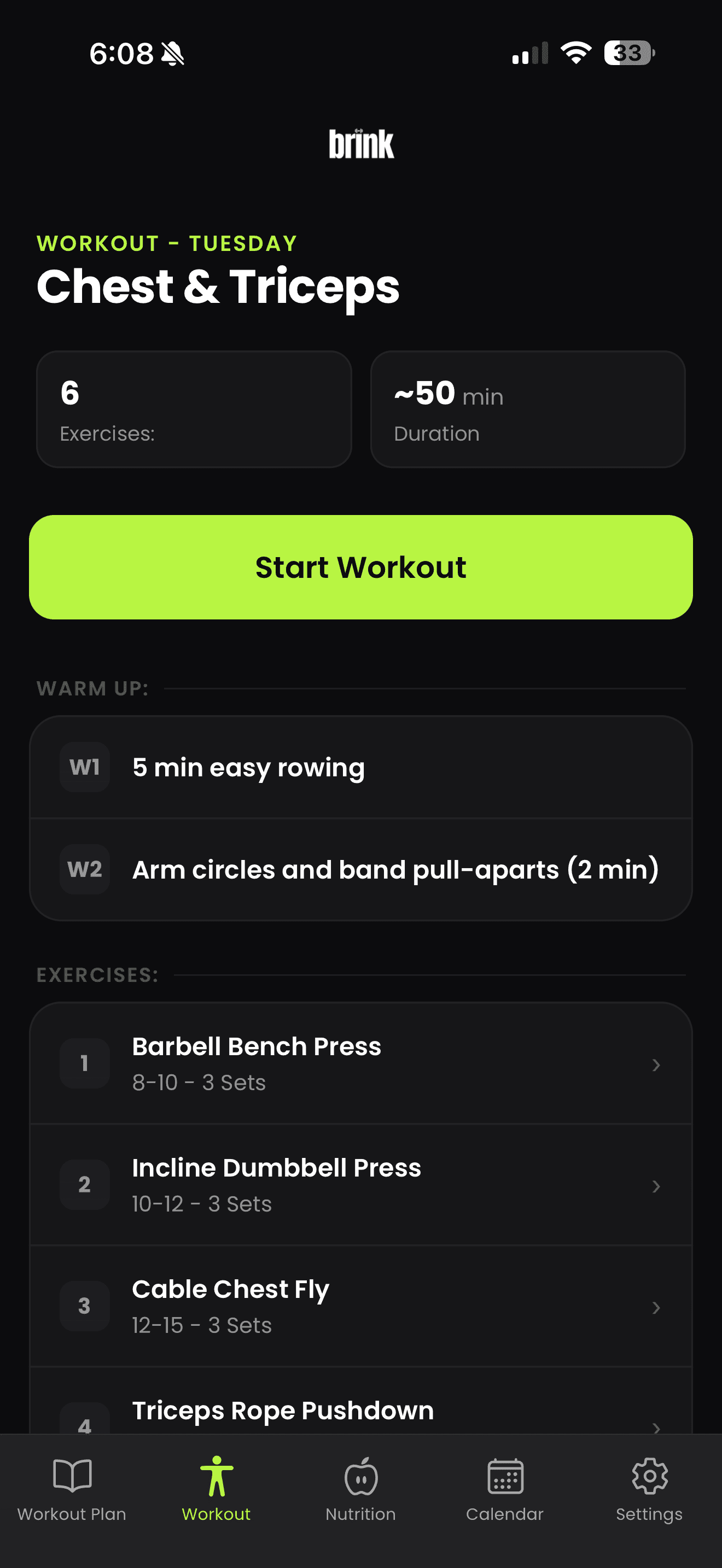
Brink is an AI personal trainer and nutrition app for iPhone. It builds a workout plan around your goals, equipment and schedule, tracks the sets you complete, and lets you log meals by photo, text or manual entry.
Who is Brink designed for?
People who want structure without hiring a coach or building their own program. It suits beginners who need a starting point, and experienced lifters who want their training and nutrition tracked in one place.
Does Brink create personalized workout plans?
Yes. Plans are generated from what you tell Brink about your goal, experience level, available equipment, training frequency and preferences, and they change as you log training and update those inputs.
Can Brink track nutrition from a photo?
Yes. You can photograph a meal and Brink estimates its calories and macronutrients. Estimates are approximations, not laboratory measurements, and you can correct any entry by hand.
Can I edit my workout plan?
Yes. You can swap exercises, change sets and repetitions, move sessions around your week or ask for a different plan. Nothing is locked.
Do I need gym equipment?
No. Tell Brink what you have, whether that is a full gym, a few dumbbells and a band, or nothing at all, and it programs around it.
Is Brink available on Android?
Brink is available on iPhone today. Android is not available yet, and we would rather not promise a date we cannot commit to.
Is Brink medical advice?
No. Brink is a fitness and nutrition tool, not a medical service. It does not diagnose, treat or provide medical advice. Speak with a qualified professional before starting a new training or nutrition program, especially if you have an existing health condition or injury.
How much does Brink cost?
Brink is free to download. Some features are part of a paid subscription. Current pricing is always shown on the App Store listing and inside the app before you subscribe.
Where can I download Brink?
Brink is on the App Store for iPhone. You can download it at https://apps.apple.com/app/id6461162193.
AI personal training
How is an AI personal trainer different from a human coach?
A human coach brings judgment, accountability and hands on technique work that software cannot replace. Brink handles the parts that are mechanical: writing the plan, choosing exercises for your equipment, tracking every set and adjusting the numbers as you go. Many people use both.
What information does Brink use to build my plan?
Your goal, your experience level, the equipment you have access to, how many days a week you can train, how long a session should be, and the exercises you prefer or want to avoid. Your logged training then feeds back into future sessions.
How often should I update my inputs?
Whenever something real changes. A new gym, a new schedule, a shift in what you are working towards, or a period where sessions feel too easy or too hard are all good reasons to update your setup.
Can Brink tell me if an exercise is safe for me?
No. Brink cannot assess injuries, pain or medical conditions. If something hurts or you are unsure whether a movement suits you, stop and speak with a qualified health professional.
Workouts and planning
Can I train at home instead of a gym?
Yes. Select the equipment you actually have and Brink builds sessions from that list. If your equipment changes, update it and the plan follows.
How many days a week does Brink plan for?
As many as you tell it. Set the number of training days that fit your week and Brink structures the plan around that frequency.
Does Brink track my sets and weights?
Yes. You log sets, repetitions and weight as you train, and each session is saved to your history so you can see what you lifted last time.
Is there a rest timer?
Yes. A rest timer runs between sets so your rest periods stay consistent instead of drifting with the length of your last scroll.
What if I miss a session?
Nothing breaks. Pick the plan back up, or adjust your training frequency if your week has genuinely changed.
Nutrition tracking
How accurate is photo based meal tracking?
It is an estimate. A photo cannot show hidden oils, exact portion weights or every ingredient, so the numbers Brink returns may vary from the true values. Treat them as a useful approximation and correct anything that looks off.
Can I log a meal without taking a photo?
Yes. Describe the meal in plain text, or enter calories and macronutrients manually if you already know them.
Which macronutrients does Brink track?
Calories, protein, carbohydrates and fat, shown against your daily targets.
Where do my daily targets come from?
They follow the goal and details you set up in the app, and you can adjust them if you prefer different numbers.
Does Brink give nutrition advice for medical conditions?
No. Brink is a general fitness and nutrition tool. It is not a substitute for advice from a physician or registered dietitian, and it should not be used to manage a medical condition or an eating disorder.
Still have a question?
Email support@brinkapp.ca and a person will reply. You can also read more on the features page.
Ready when you are
Download Brink on iPhone and set up your first plan in a few minutes.
Free to download, with a paid subscription for full access.
- No account needed to browse this site
- No trackers on this page
- Requires an iPhone running a recent version of iOS.